


Tap to Pay on iPhone
Accept quick contactless payments directly on iPhone with the ADAPTIS Tap to Pay IOS app
Tap to Pay on iPhone is now available, with the ADAPTIS Tap to Pay iOS app. That means anyone can accept all types of in-person, contactless payments – from physical credit and debit cards to Apple Pay and other digital wallets. It’s easy and secure, and no additional hardware is needed. All you need is iPhone.
How It Works
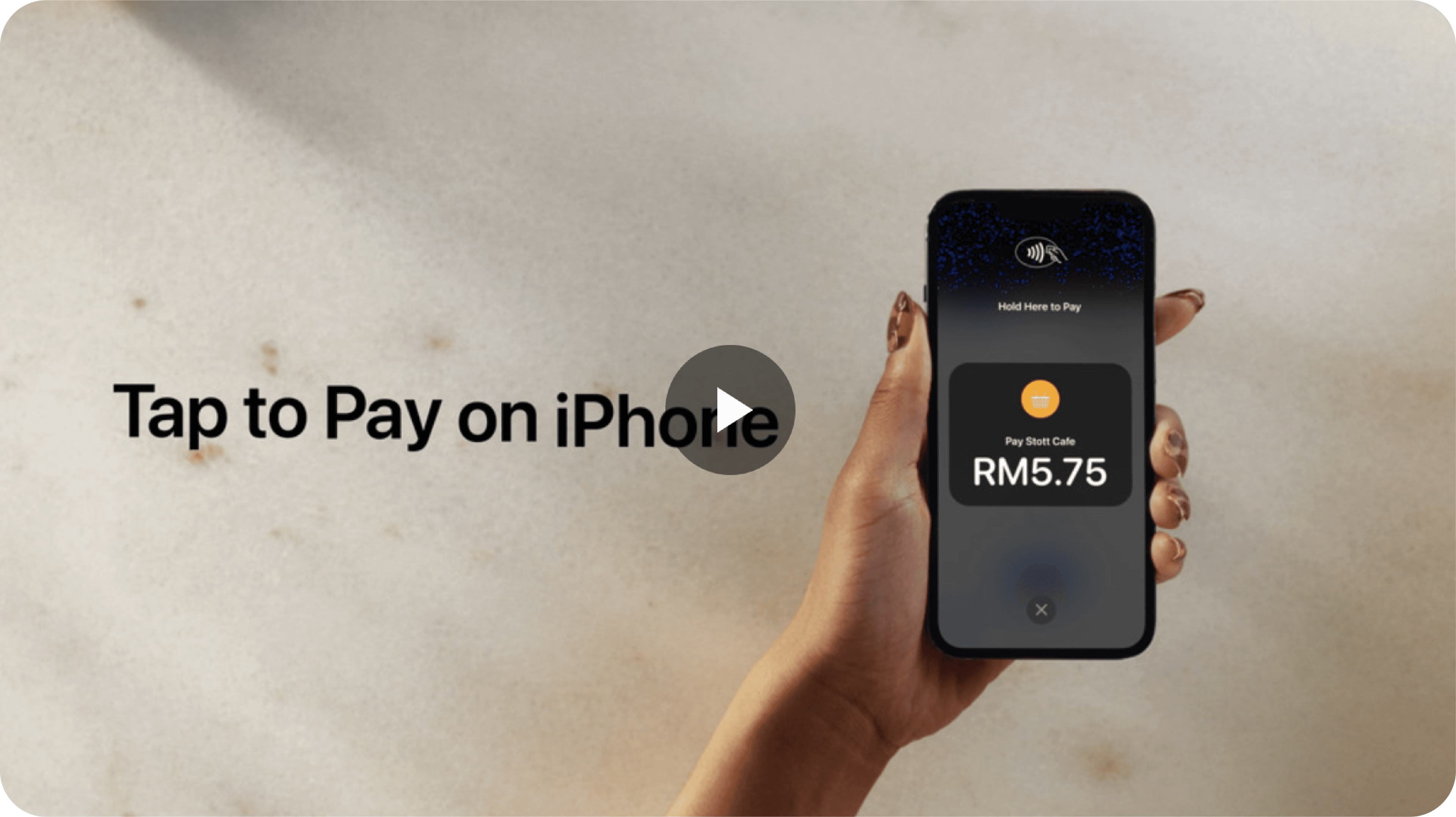
A Simpler Way to Accept Quick Contactless Payments
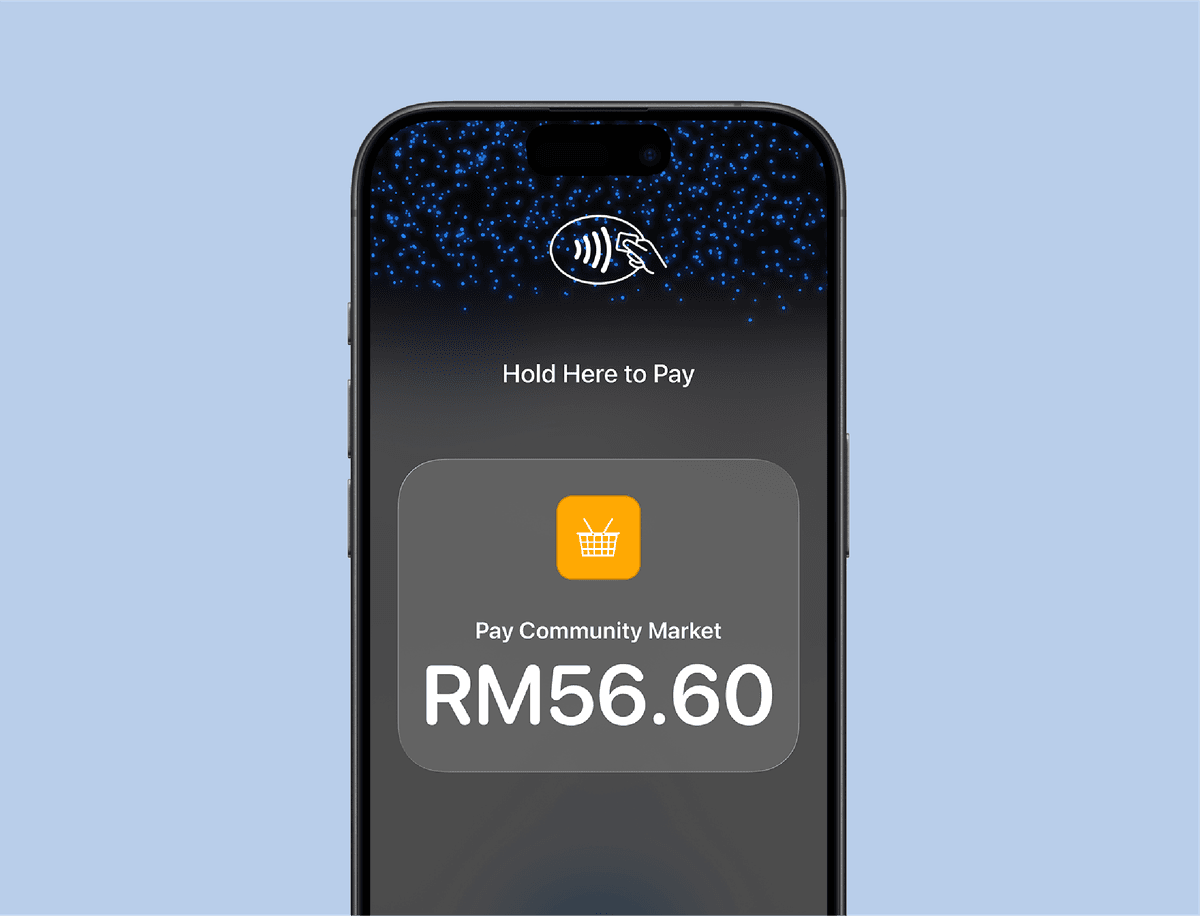
Expand Where You Do Business
With Tap to Pay on iPhone, anyone can do business in more places simply by accepting quick contactless payments directly on iPhone. The checkout experience makes it easy to reach new customers, take payments on the go, and explore new setups, like line busting. All you need is iPhone and the ADAPTIS Tap to Pay iOS app.
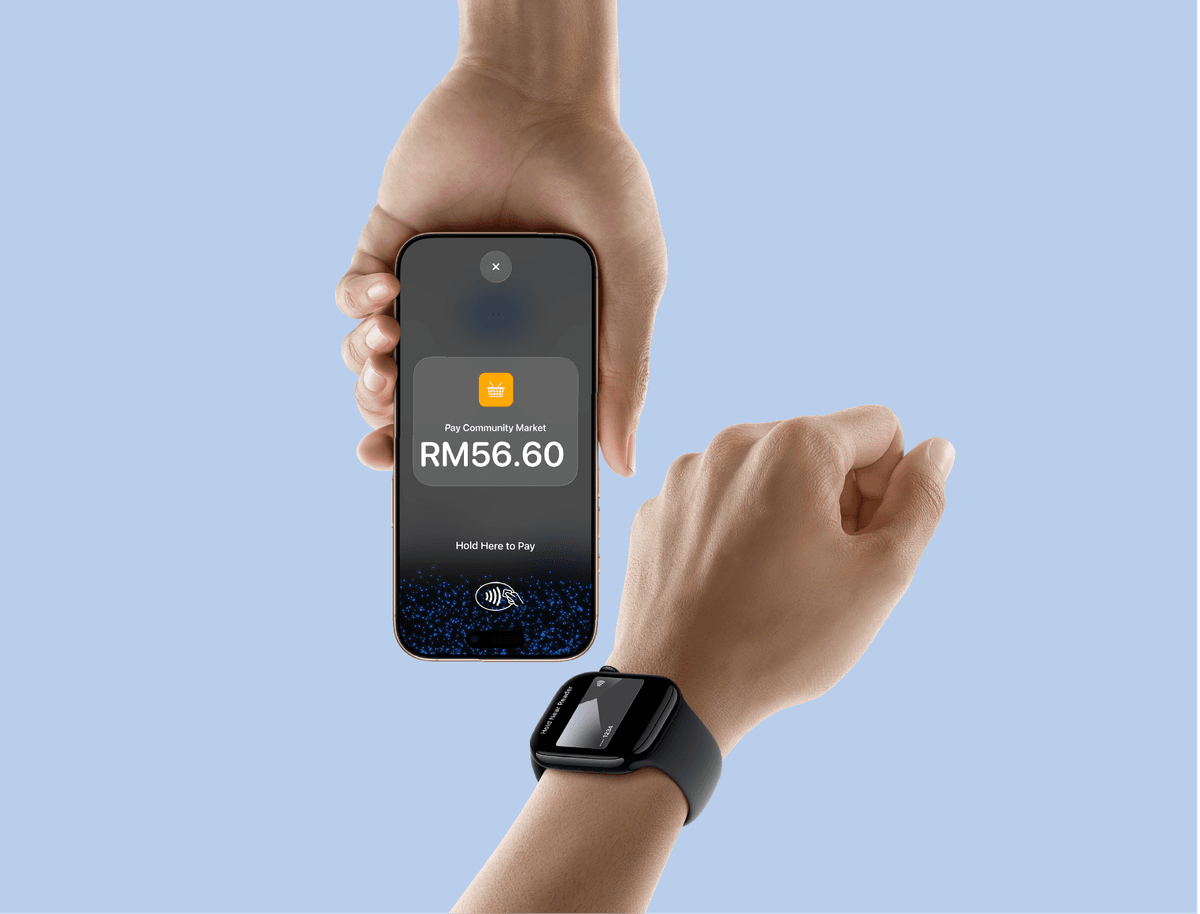
No Additional Hardware Needed
There’s no need to invest in and manage card readers and terminals, so Tap to Pay on iPhone makes it simple to start a new business or expand a current one. With just an iPhone and with the ADAPTIS Tap to Pay iOS app, anyone can accept quick contactless payments. It’s that simple.
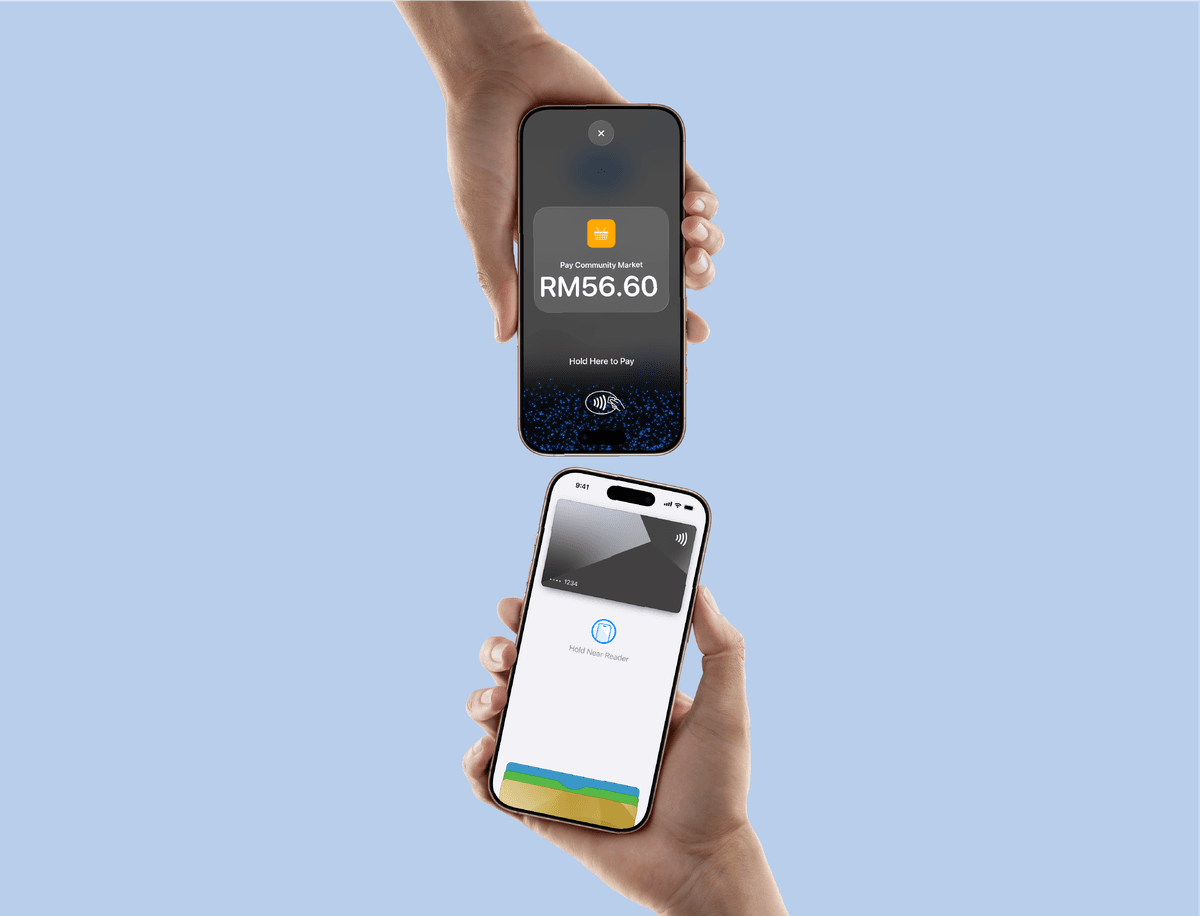
Privacy and Security Built In
Tap to Pay on iPhone uses the built-in security and privacy features of iPhone. When a payment is processed, Apple doesn’t store card numbers or PIN information on Apple services – helping to protect your business and customer data.* So merchants and customers can rest assured that their data stays theirs.
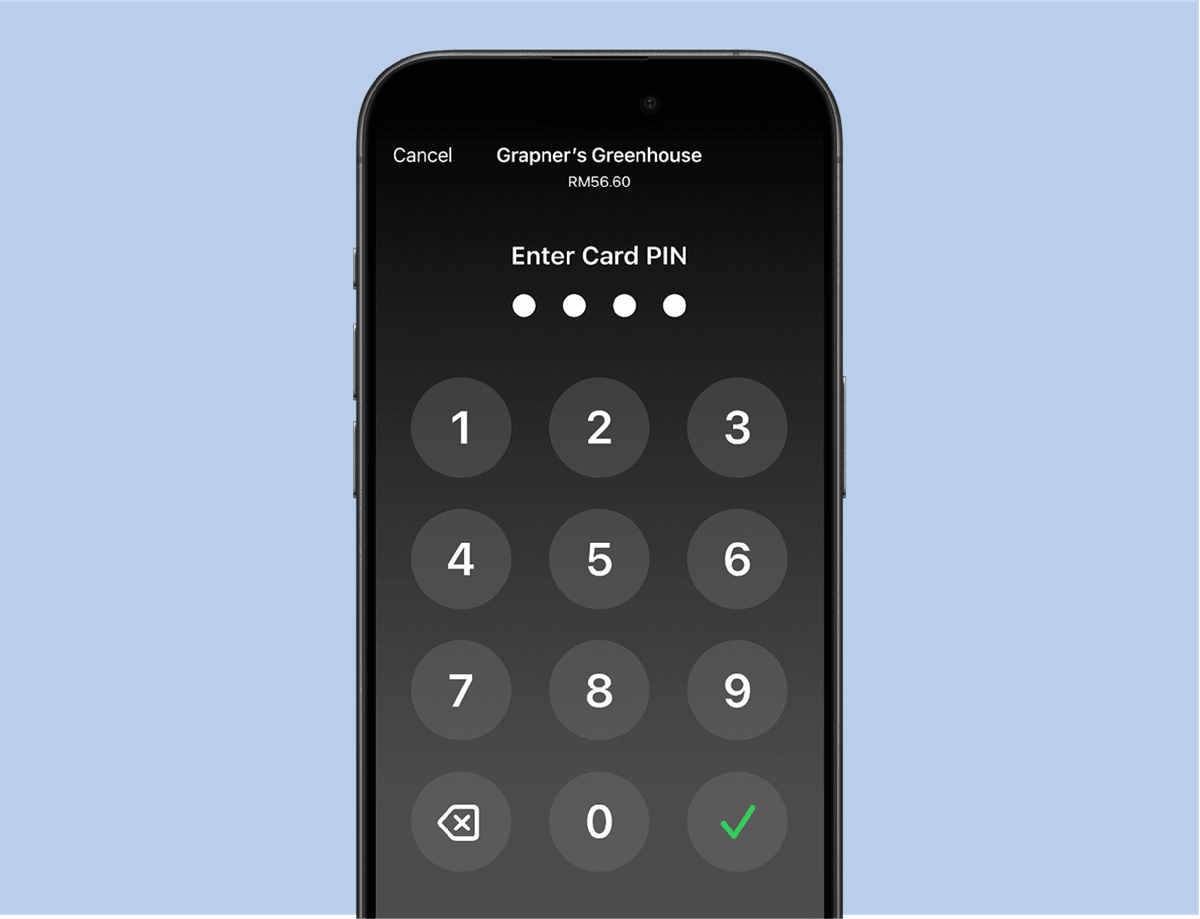
PIN Transaction Protection
Transactions that require PIN entry will automatically prompt a PIN entry screen when using Tap to Pay on iPhone. During a transaction, Tap to Pay on iPhone is designed to prevent all photo, video, screenshot, and screen-recording features on the merchant’s iPhone from capturing a customer’s card number or PIN information.

Accessibility Features Built In
For customers needing visual or other assistance, accessibility options are built into Tap to Pay on iPhone to help them securely enter PIN information. Audible instructions guide customers to draw their PIN on the screen or tap the screen to indicate each digit – tapping once for 1, twice for 2, and so on. To submit their PIN, they simply swipe right with two fingers.
Get Started in a Few Steps
Download the ADAPTIS Tap to Pay iOS app.
Complete the sign-up process.
Start accepting in-person contactless payments on your iPhone.
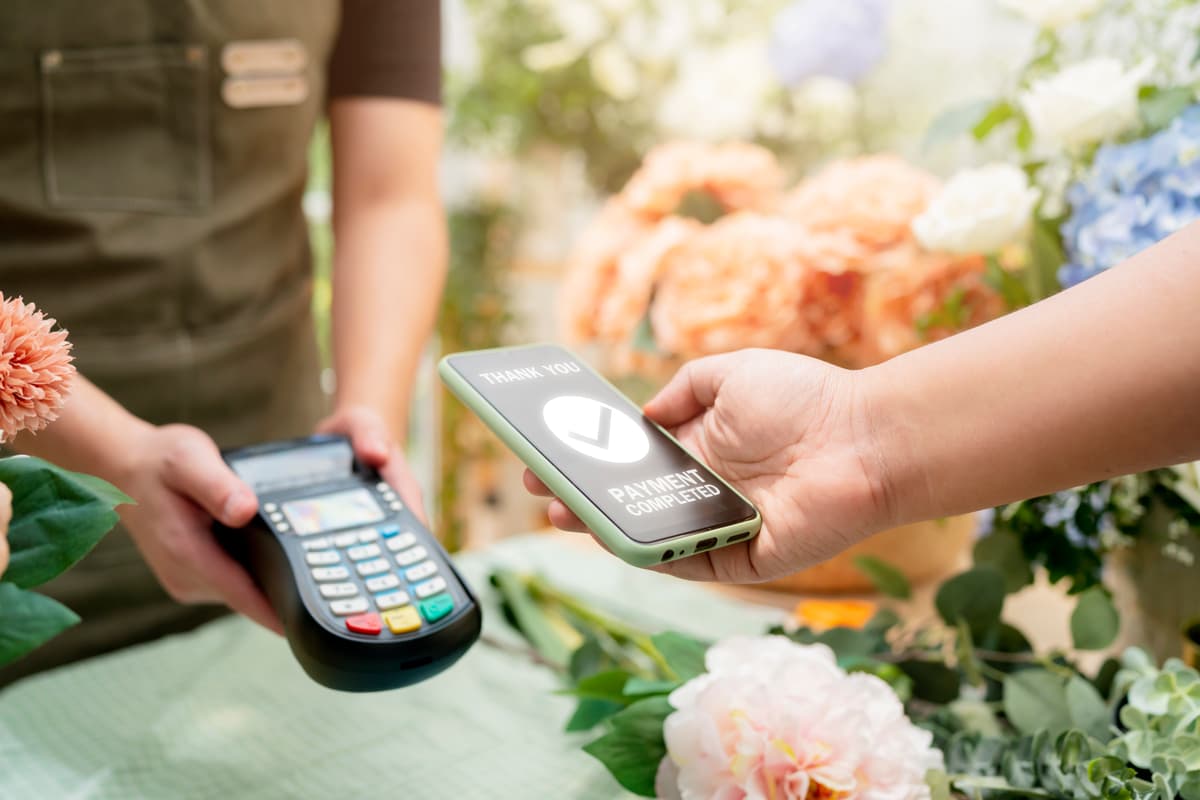
Try It Today with
ADAPTIS Tap to Pay iOS App
Enjoy free setup and zero onboarding fees* when you get started. Accept quick contactless payments anytime, anywhere—right on your iPhone.
Frequently Asked Questions (FAQs)
ADAPTIS Tap to Pay iOS App is a contactless payment feature developed by NTT DATA Payment Services that allows merchants to accept card and digital wallet payments directly on compatible Apple devices, no additional hardware or a physical POS terminal is needed.
ADAPTIS Tap to Pay iOS App accepts the following payment methods:
- Contactless cards: Visa, Mastercard, MyDebit.
- QR code payments: DuitNow QR, including participating e-Wallets such as Touch 'n Go, Boost, GrabPay, and others.
ADAPTIS Tap to Pay iOS App is available to merchants registered with NTT DATA Payment Services. If you are not a registered merchant, you can sign up through the app and will be guided through an onboarding process. Your application will be reviewed, and once approved, you can start accepting quick contactless payments.
Contactless transaction limits follow each card network's policy (e.g., RM250). For higher amounts, the cardholder may be required to enter a PIN or authenticate through their mobile wallet.
No. The ADAPTIS Tap to Pay iOS App is currently supported only in Malaysia.